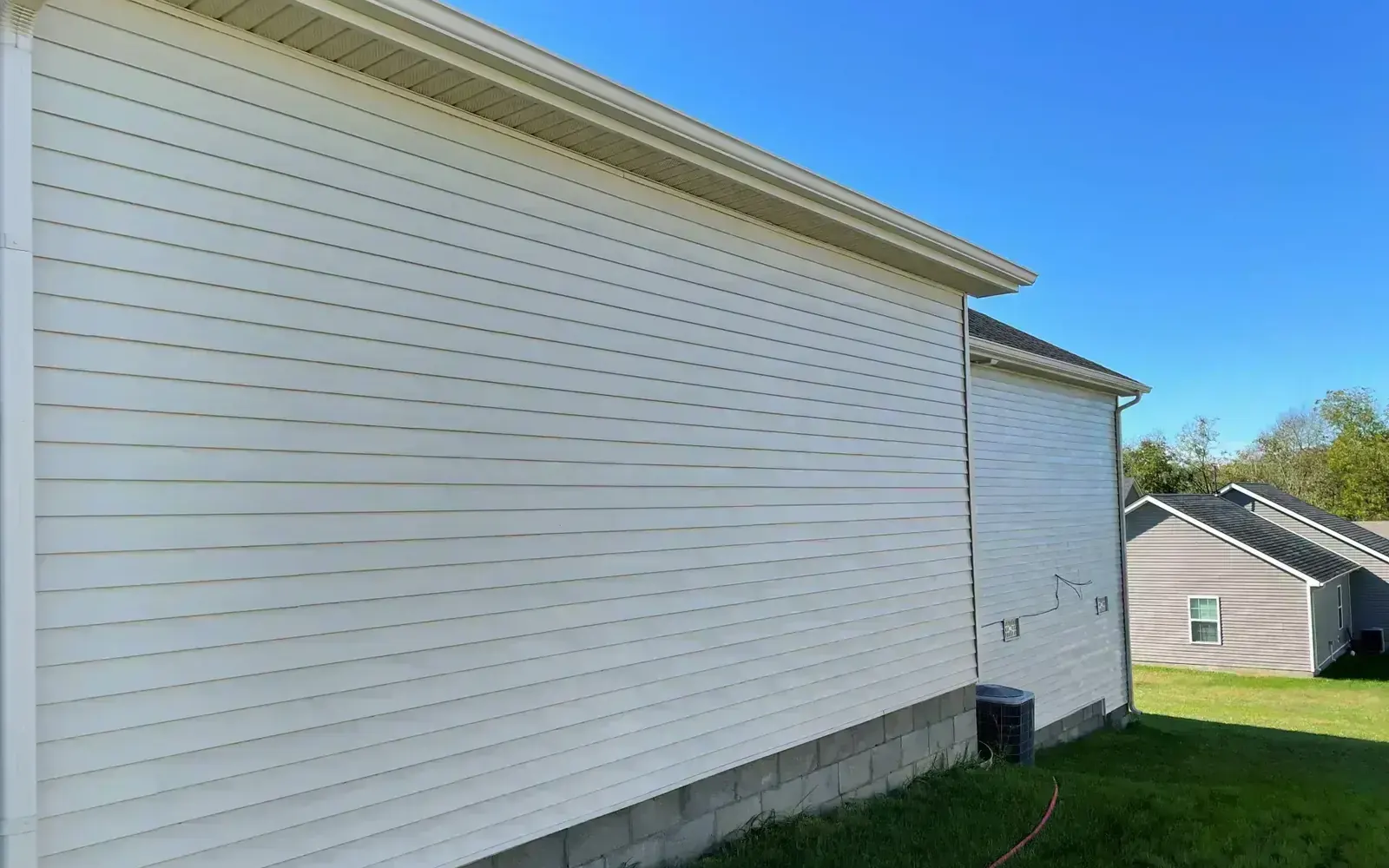
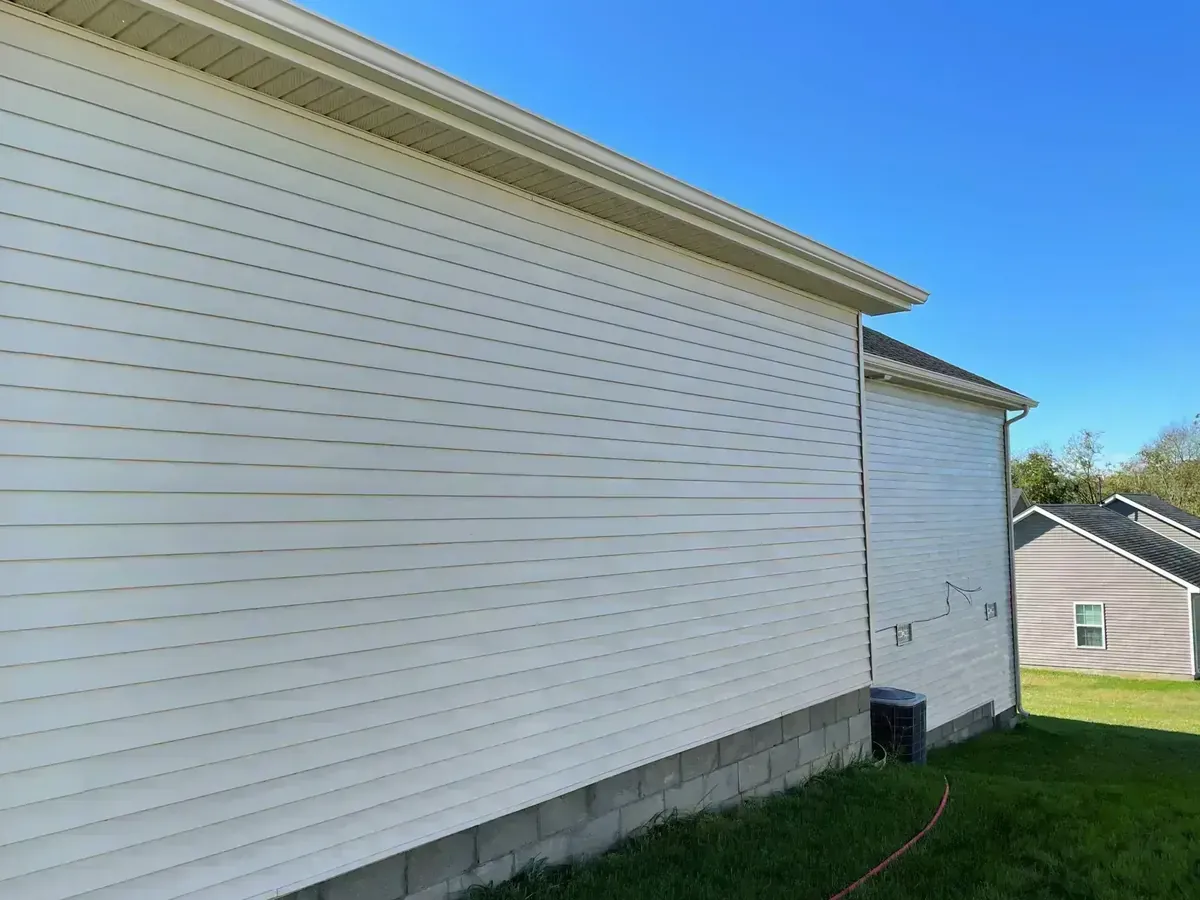
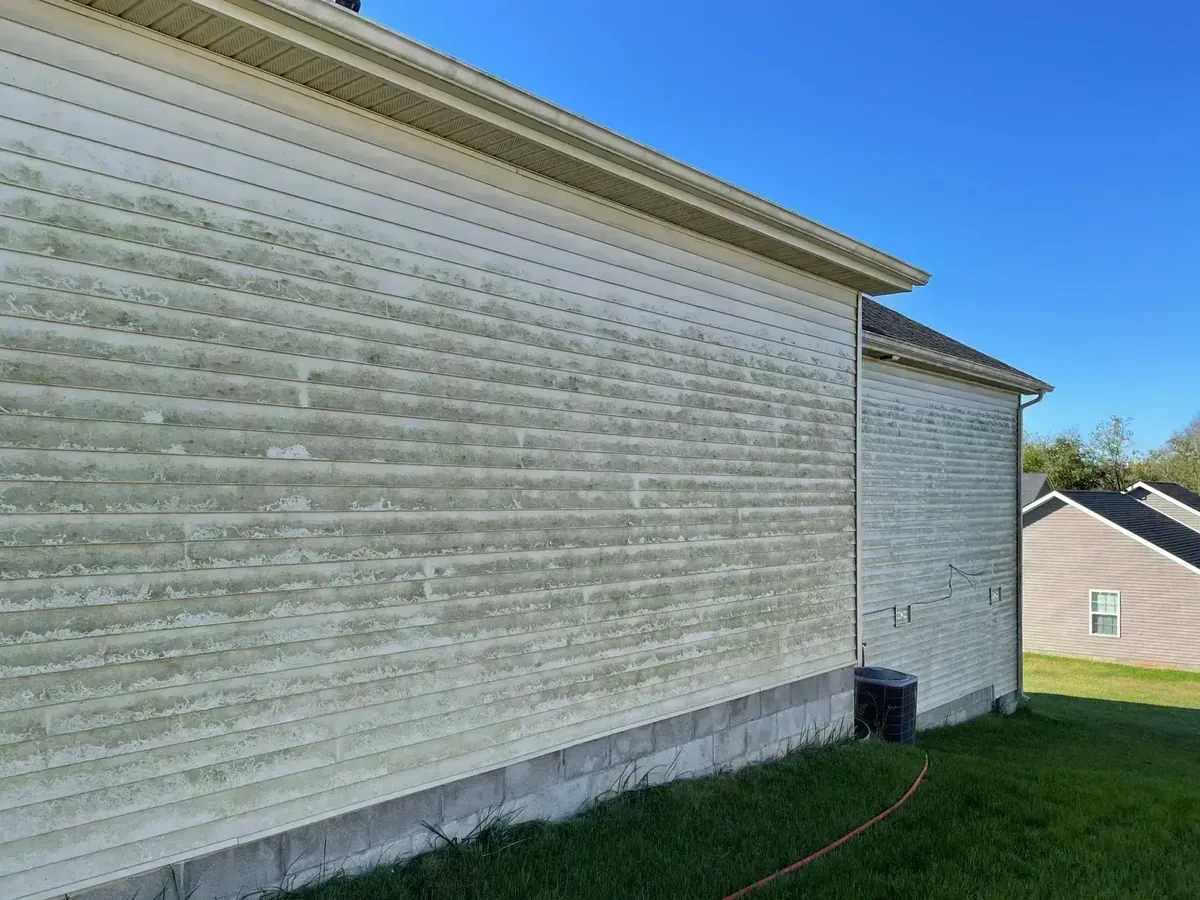
 BeforeAfter
This is the work. This is the app that runs it.
A two-story soft wash in Georgetown, Kentucky. Quoted from the driveway, scheduled on the spot, invoiced from the truck and paid before the hoses were rolled up. Everything on this page is built around jobs that look like this one.
Start your 14-day free trialEvery surface you wash, already in the system

Everything on this list, from day one
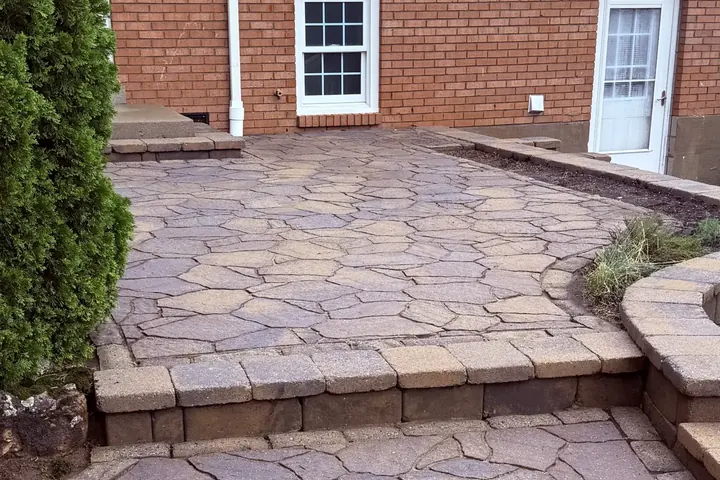
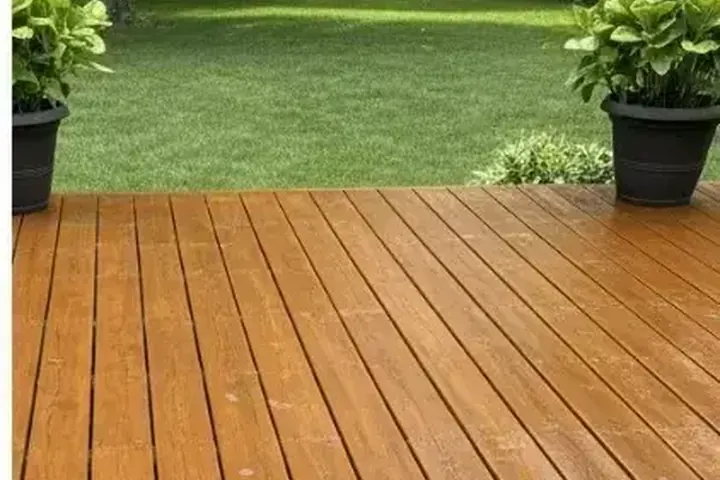
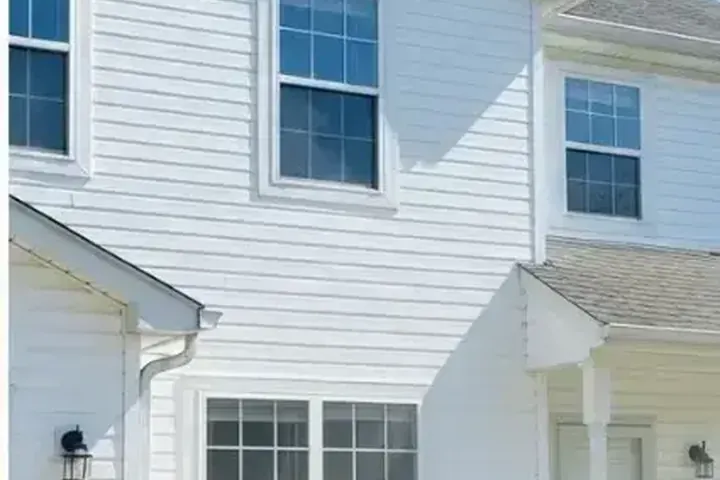
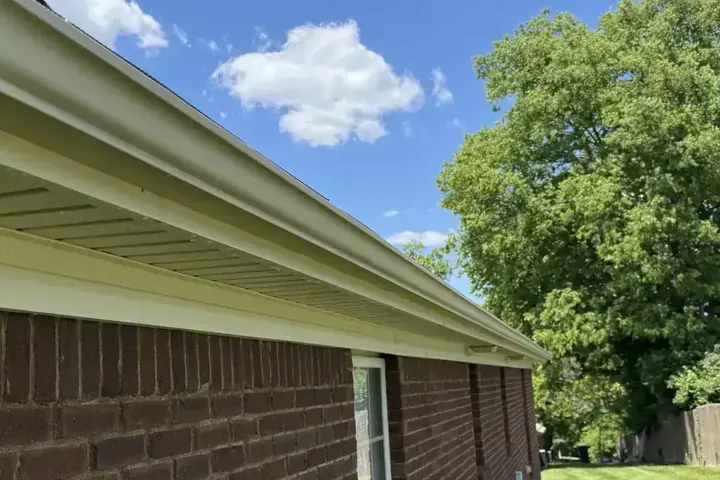
House washing, roof cleaning, concrete cleaning, gutter cleaning, deck restoration, commercial pressure washing, holiday lighting. If you wash houses, roofs, concrete or decks and bill for it, this is the same CRM we run our own trucks on, and every plan starts with it.
Built by an owner who runs the trucks, not a software company: Inman Prowash LLC, a working pressure washing company in Lexington, Kentucky, needed this for its own crew first. Every feature here got tested on a real route before it got a name.
Open it with your coffee, know everything
The dashboard is your whole business on one screen. Anything that needs you becomes a flag at the top: a lead waiting too long, a message that failed to send, a campaign that needs a look, a fresh job application. Handle it or dismiss it, then get in the truck.
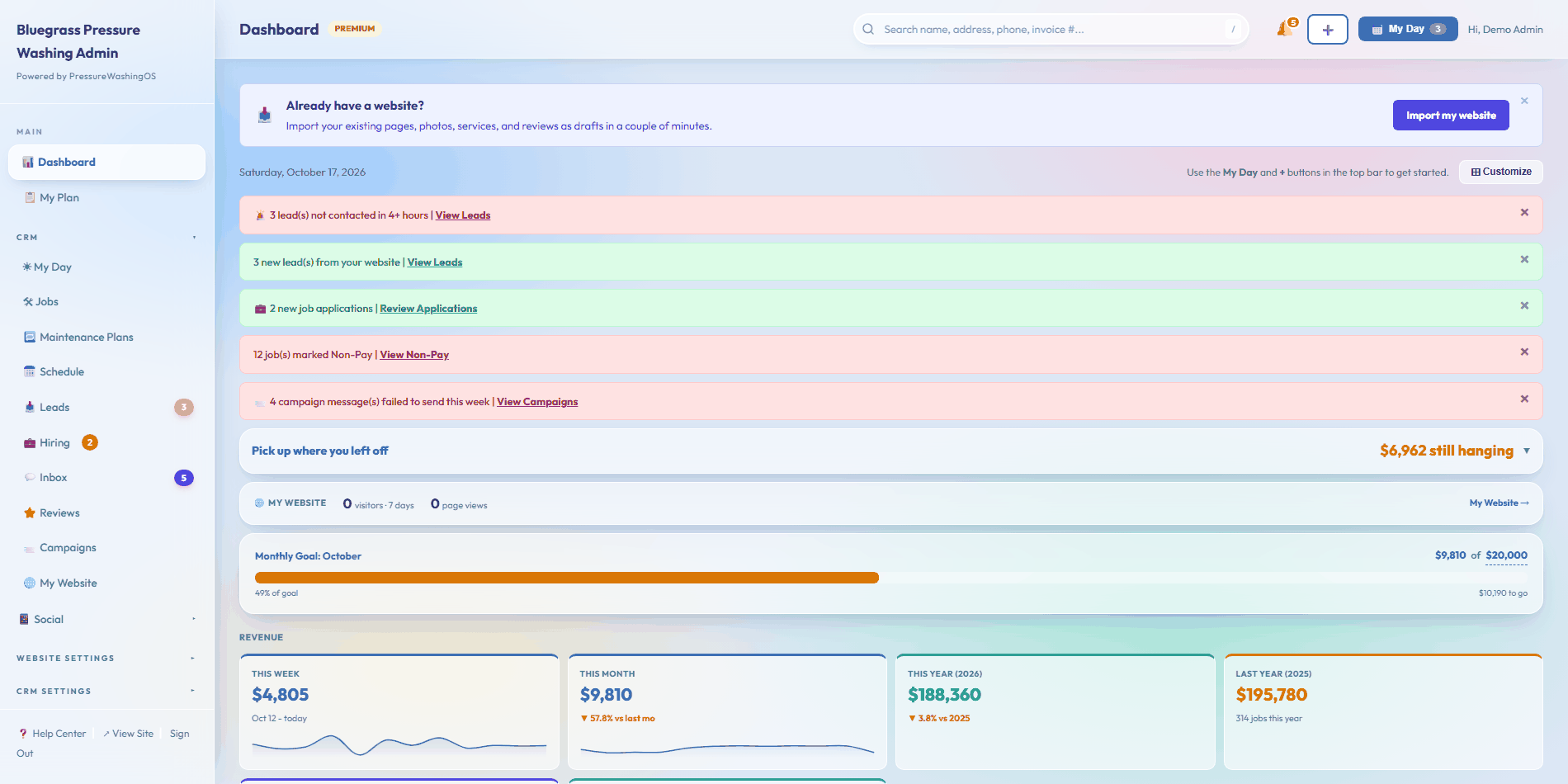
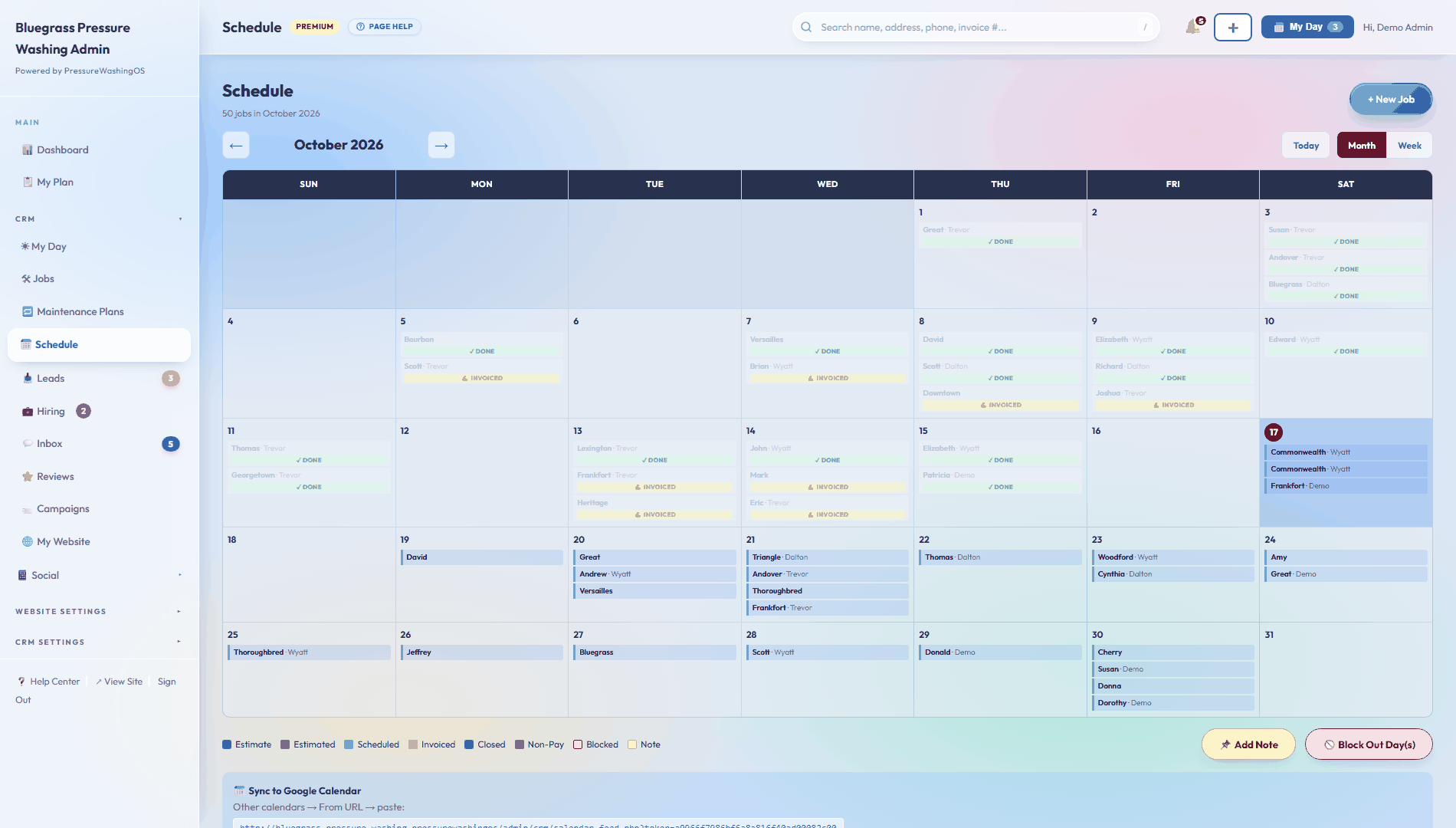
- Numbers with a memory. This month against last month, and this year drawn right over last year on the same chart, so growth is something you can see.
- A sales pipeline that nags politely. Open estimates, your win rate, and a nudge when a quote has sat a week without an answer.
- Where the money comes from. Revenue by service and by city, your top customers, and how many new customers each month brings.
- A Today card. The day's jobs with names, addresses, and amounts, right where you look first.
- Arranged your way. Hit Customize and drag the cards into the order you want. Hide whole sections or single stat boxes, add them back any time. Every person on the account keeps their own layout, on desktop and phone.
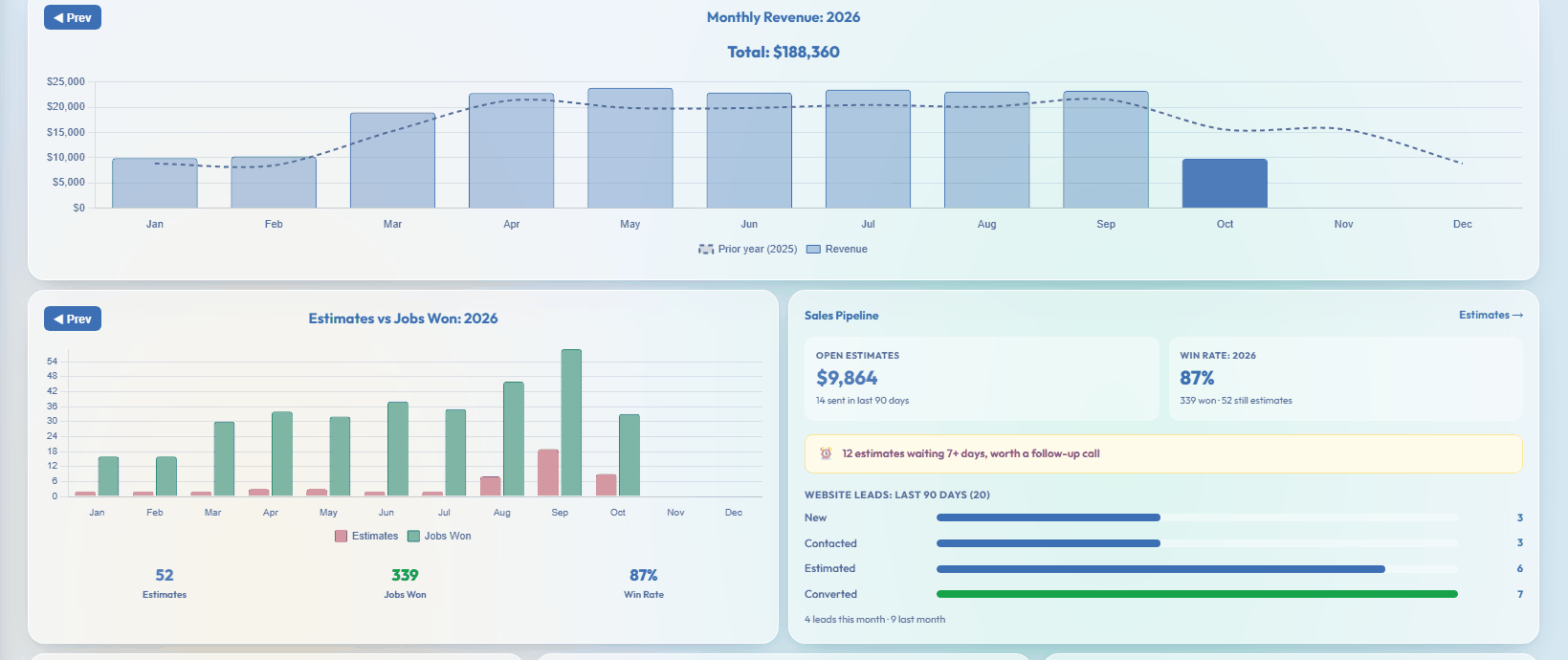
Your whole book on one screen
Every job is one line: who, what, when, the dollar amount, and where it stands. Click a column to sort. Overdue work turns red so it cannot hide. The buttons to finish a job, add notes, or check photos ride on every row, and on a phone the same list becomes cards sized for thumbs.
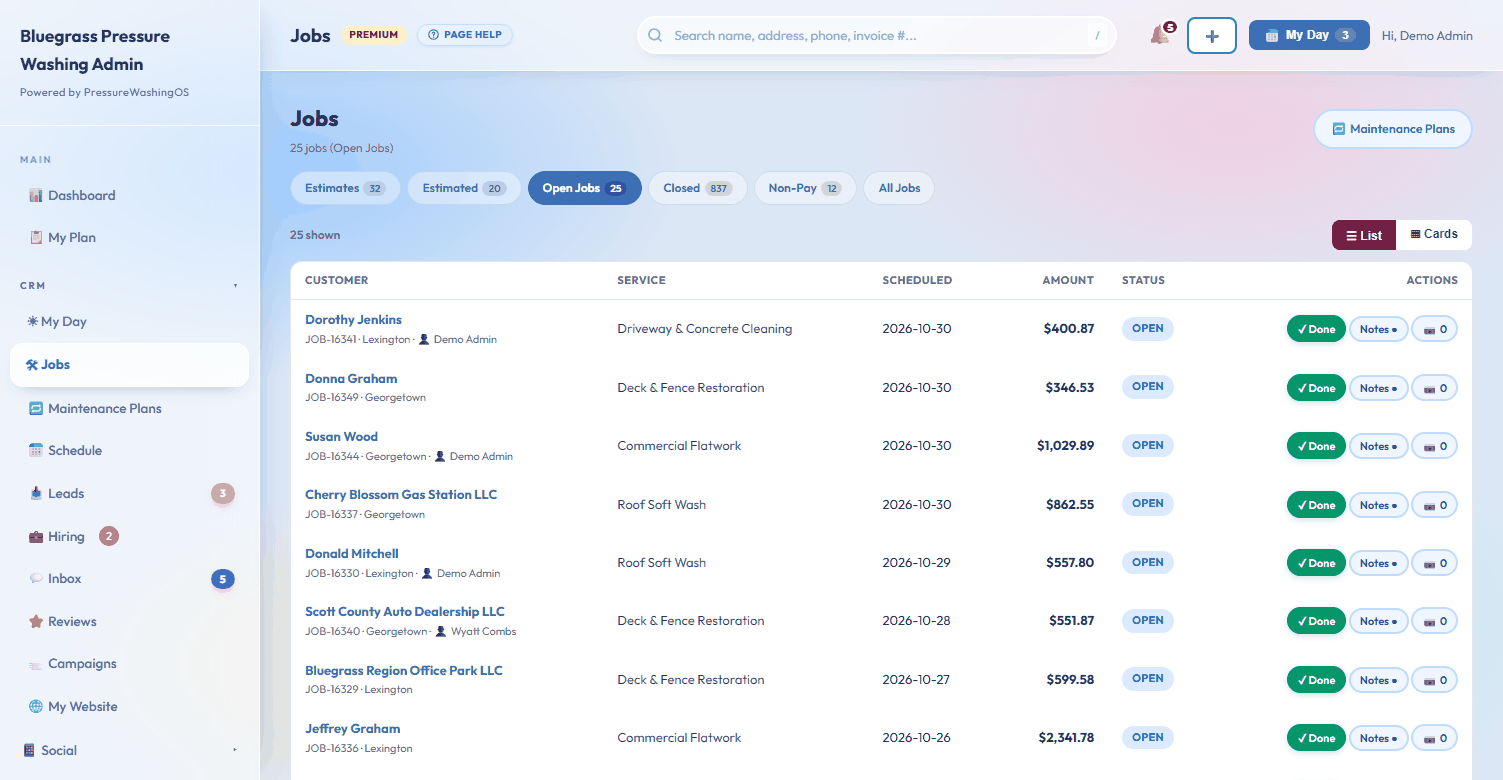
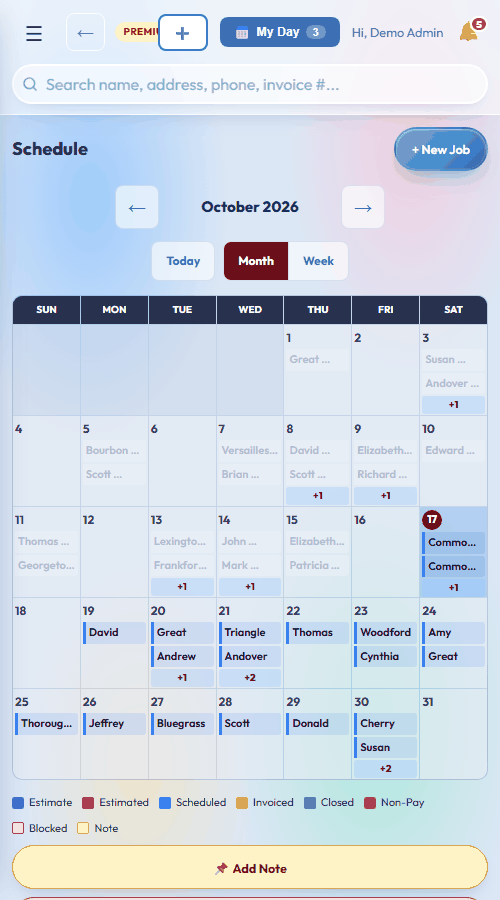
One calendar the whole crew reads
Drag jobs between days. Pin a note to any day: a gate code, a truck that needs oil, supplies to pick up. Block out the days you're closed. Everyone sees the same month, on the shop computer and on every phone.
Run the day from your truck
On Pro and up, My Day opens with today's stops on a map, in the best driving order. One tap hands the whole day to Google Maps and you just drive.
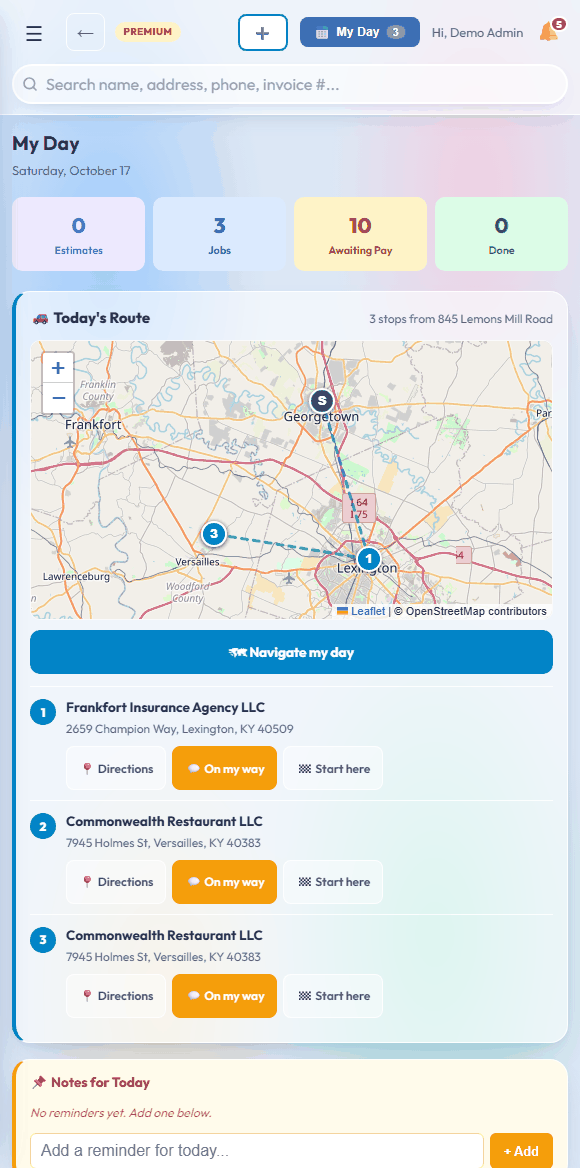
- The best driving order, worked out for you. Stops are numbered from your shop, or tap Start Here on any job and the day re-plans from there.
- One-tap day navigation. The Navigate My Day button opens Google Maps with every stop loaded, in order.
- On-my-way texts. One tap tells the next customer you're coming, with your name and their address already filled in.
- Neighborhood Offers. The night before, past customers near tomorrow's stops get a friendly text offering to swing by while the truck is already on their street.
- Instant lead reply. A new lead gets a text back in seconds, so you answer first even when you're mid-job.
One campaign. A whole conversation.
Most follow-up tools send one message and quit. Ours send a sequence. Message one goes out the day the campaign matches. A different follow-up goes out two days later. Another the week after that. As many messages as you want, each with its own name, its own timing, and its own words, by email and text.
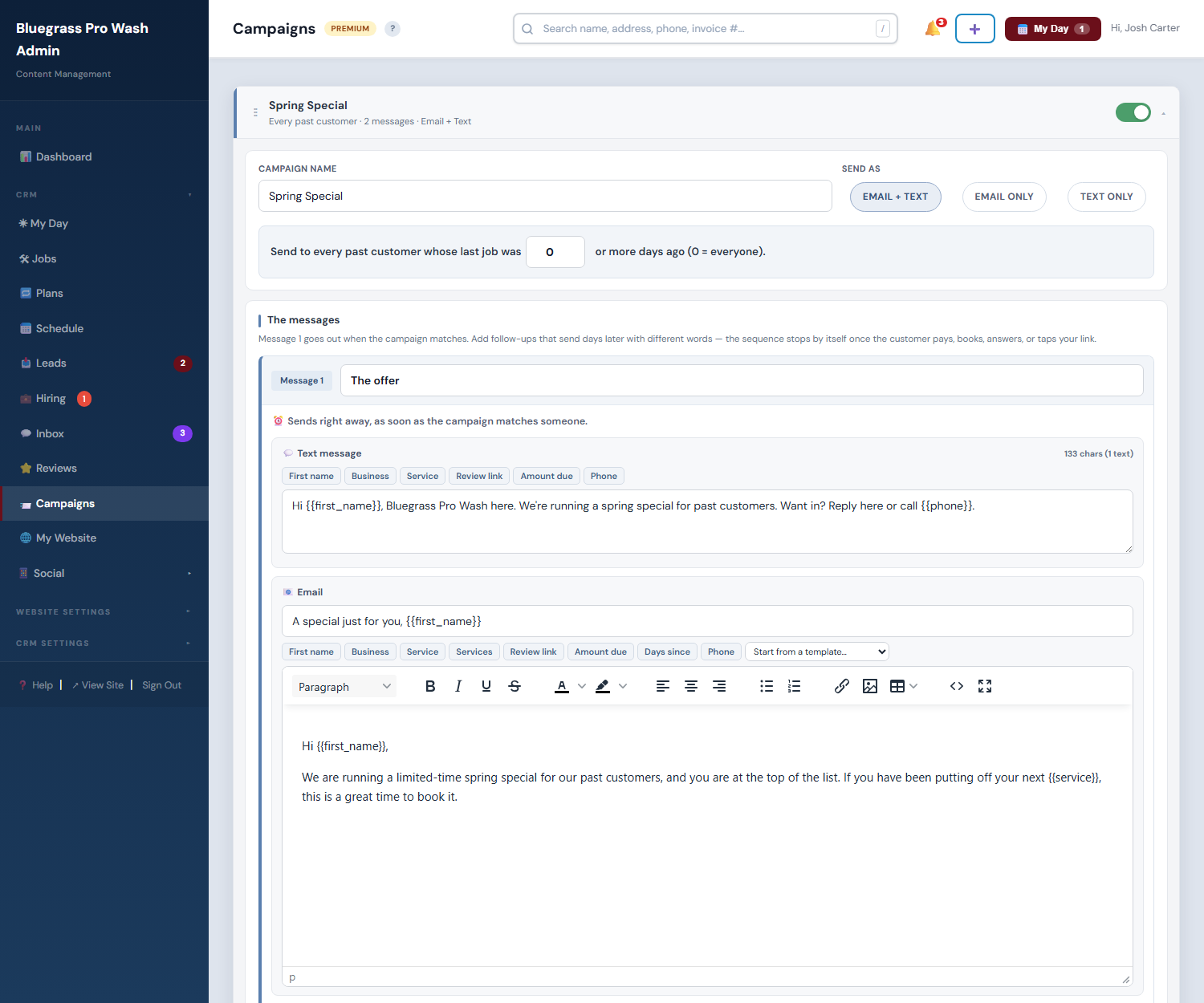
- Follow-ups that know when to quit. The sequence stops on its own the moment the customer acts. They pay the invoice, book the job, approve the estimate, or tap your review link, and the rest of the messages never send. Nobody gets message three after they already said yes.
- Four money-makers, pre-built. Review requests, estimate follow-ups, payment reminders, and a one-year win-back ship with your account, wired to your real jobs and invoices. Flip each one on and it runs forever.
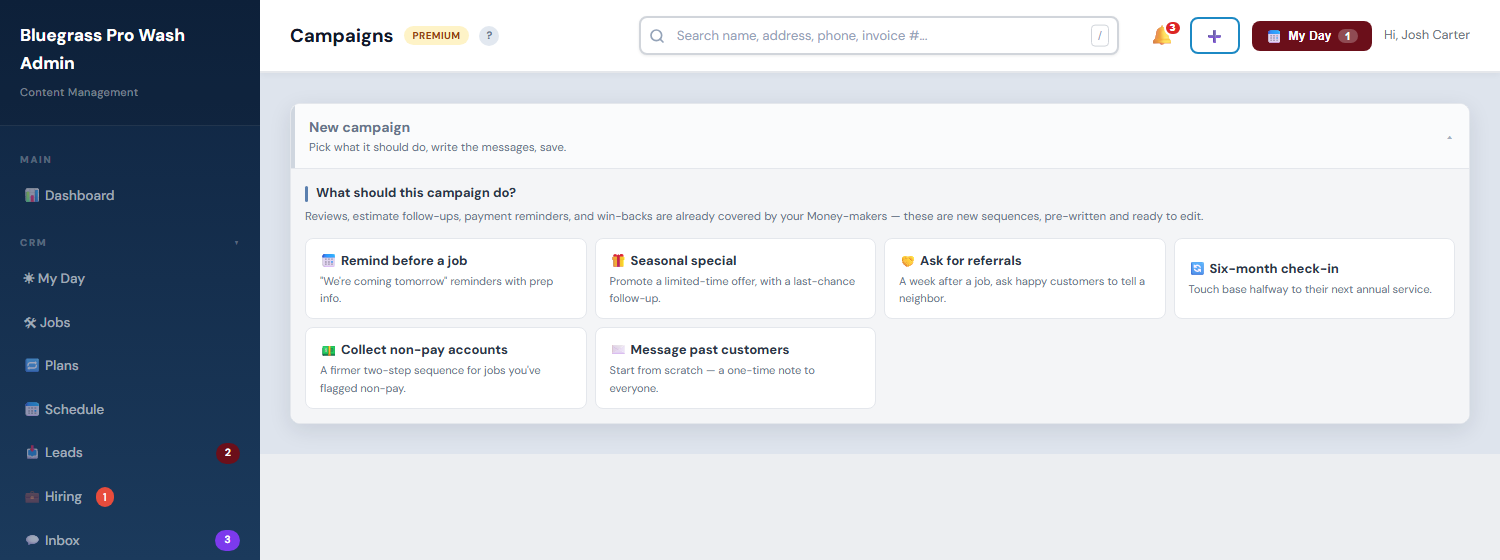
- Six more, pre-written. Pick what the campaign should do and it arrives finished: named messages, day gaps, texts, and branded emails in plain English with your business name already in them. Edit what you want and save.
- Guardrails built in. Daily send caps, per-customer limits, automatic unsubscribe links, reply-STOP texting, and a do-not-send list every campaign respects. You cannot spam anyone by accident.
Your website sells while you sleep
Half your leads come in after dinner. Instead of a contact form that says "we'll get back to you," your site gives them a real price from your real rates and books a real day off your real schedule. And when homeowners ask ChatGPT what things cost, your answer pages are built to be the one it quotes.
- They price their own job. Pick a service, answer a few questions about size and stories, see a starting price built from your rate card. No login, under a minute.
- They book a real open day. The wizard only offers days with room on your actual calendar. The job waits as Awaiting Confirm until you tap yes, and the customer gets the confirmation text.
- Upsells are built in. Every quote offers the natural add-ons with prices ("gutter brightening +$99, driveway while we're set up +$199"). Your best sales rep is the one working at 11pm.
- AI Answers gets you quoted by ChatGPT. One page per question homeowners actually ask ("how much does house washing cost in your town?"), written to be the answer AI assistants cite, with your business as the source.
- Prices that never go stale. Answer pages pull live numbers from your services and settings. Change a price once and every answer updates itself.
- See who's reading. The AI Visibility dashboard shows which assistants pulled your pages into real conversations, down to the page they read.
Show a homeowner their own house, lit up. Then take the deposit.
Type any address and get a night photo of that exact home with professional lights on it, priced from your rate card, in about fifteen seconds. Decorate whole streets from a map, mail postcards with a QR of their own home, and let customers design their display on your website. Holiday lighting jobs run $800 to $2,500, and this is the tool that makes them say yes.
See it decorate a real house →
Three plans. One 14-day free trial.
Each plan includes everything in the one before it. Priced per business, not per user, so the whole crew rides on one bill. Move up or down whenever you like.
Basic
The CRM, nothing you don't need yet
14-day free trial
- Jobs, customers, estimates & invoices
- Drag-and-drop scheduling + My Day field view
- Leads with source tracking
- Invoices and estimates emailed from the app
- Up to 500 customers
- 2 users
Pro
Everything that gets you and keeps you customers
14-day free trial
- Everything in Basic, plus:
- Automated email campaigns (reviews, follow-ups, reminders)
- Hiring pages listed on Google for Jobs
- Two-way texting from a dedicated business number
- Card payments on every invoice (Square)
- Route planner with one-tap navigation
- Maintenance plans that book the next visit themselves
- Unlimited customers
- 5 users
- 5,000 campaign emails/mo
Premium
The whole platform, AI included
14-day free trial
- Everything in Pro, plus:
- AI blog drafted from your job photos
- Social auto-poster with AI captions
- My Website: rank tracking, competitor watch, weekly AI briefings
- Your own domain + SSL
- Your business website, unlimited pages + AI Answers
- Neighborhood offers texted around tomorrow's route
- Holiday Lighting: AI renders + postcards for every house
- Instant online quotes that book themselves
- Unlimited users
- Unlimited campaign emails
The questions everyone asks
Is there a free trial?+
Yes, 14 days on any plan. Pick a plan, add a card, and run real jobs through it. Nothing is charged until the trial ends, and cancelling before then costs nothing.
What happens when the trial ends?+
Your card is charged for the plan you picked (Basic $49/mo, Pro $149/mo, Premium $289/mo) and billing continues month to month until you cancel. Everything you entered during the trial stays put.
Which plan do I need?+
Basic is the CRM: jobs, customers, estimates, invoices, scheduling and leads. Pro adds automated email campaigns (reviews, follow-ups, reminders); hiring pages listed on Google for Jobs; two-way texting from a dedicated business number; card payments on every invoice (Square); route planner with one-tap navigation; maintenance plans that book the next visit themselves; unlimited customers; 5 users; 5,000 campaign emails/mo. Premium adds aI blog drafted from your job photos; social auto-poster with AI captions; my Website: rank tracking, competitor watch, weekly AI briefings; your own domain + SSL; your business website, unlimited pages + AI Answers; neighborhood offers texted around tomorrow's route; holiday Lighting: AI renders + postcards for every house; instant online quotes that book themselves; unlimited users; unlimited campaign emails. You can move up or down any time from inside the app.
Can I cancel?+
Any time, from inside the app, with no contract to get out of. Your plan runs through the end of the period you already paid for, then stops, and you can export customers, jobs and invoices as CSV whenever you like.
Your next house wash deserves a system
14 days free on any plan. Set up in two minutes, between jobs.
Start your free trial